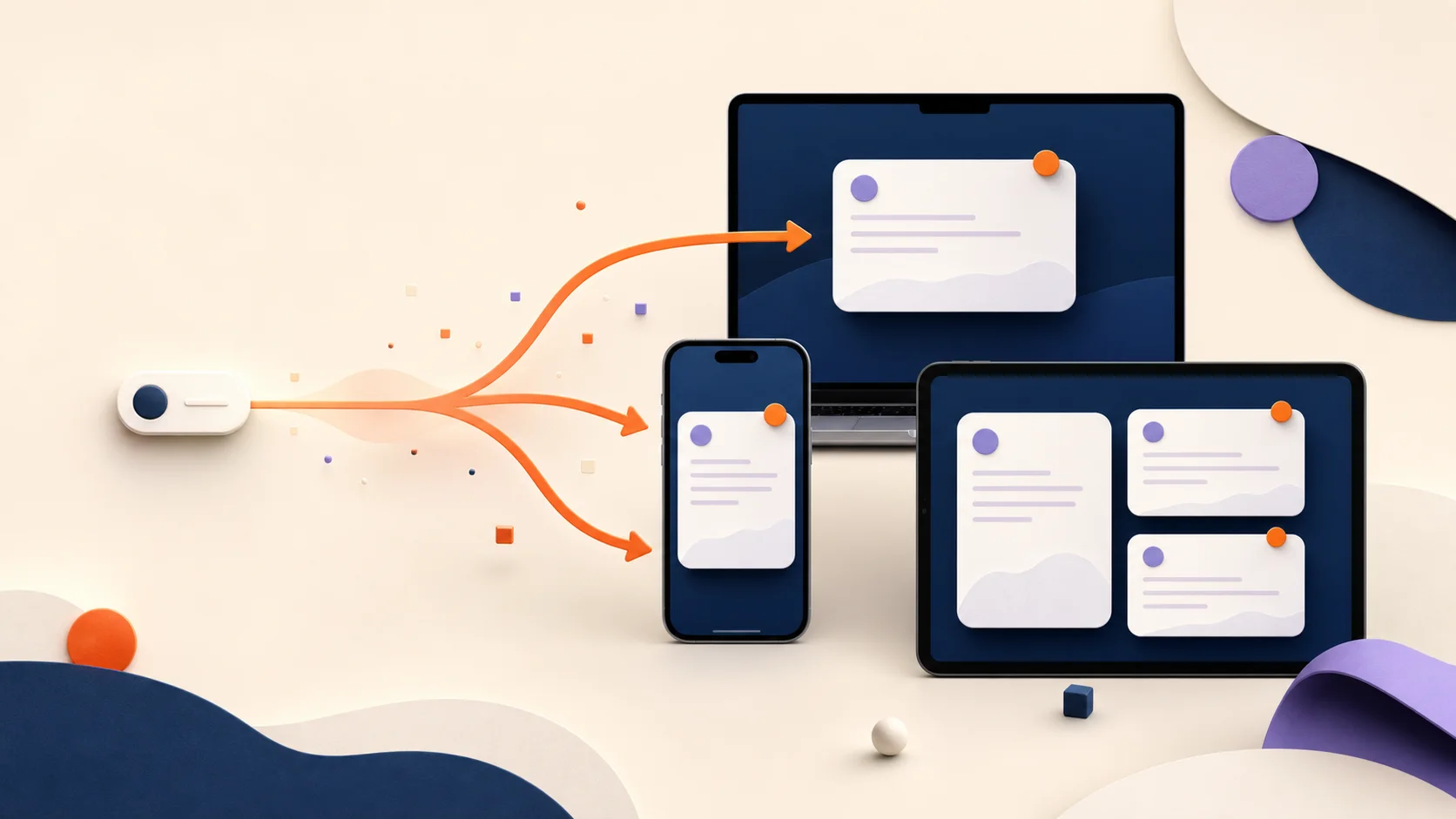
A text expander stores reusable text as a snippet and lets you insert it with a short trigger or picker. It is useful for replies, addresses, prompts, code, forms, and any wording you type repeatedly. On Mac, a trigger can expand in compatible text fields; on iPhone and iPad, third-party tools commonly use a custom keyboard because Apple controls where custom keyboards can appear.
Key takeaways
- A snippet is the saved content; a trigger is the shortcut used to retrieve it.
- The safest trigger is memorable but unlikely to appear in ordinary writing.
- Templates and variables make repeated text reusable without carrying stale names or dates.
- Mobile behavior is different from desktop behavior because iOS controls third-party keyboard access.
The basic text-expansion workflow
Most text expanders have the same core loop: save a piece of text, give it a shortcut, and retrieve it where you are already typing. The saved content might be one sentence or a multi-paragraph response. The shortcut might be typed automatically on Mac or selected from a search view or keyboard on mobile.
The important design decision is not the punctuation at the beginning. It is whether the entire trigger is distinctive. In ExpandCaptain, a semicolon is optional: ;reply, xreply, and addr can all be complete triggers. Choose a pattern you can remember and will not type accidentally.
- 01
Find a sentence, paragraph, prompt, or checklist you have typed at least three times.
- 02
Save the finished version as a named snippet.
- 03
Assign a complete trigger such as ;xbrief or ;followup.
- 04
Test it in a low-risk text field and review the result before sending.
xhoursWe are open Monday through Friday, 9:00 a.m. to 5:00 p.m. Pacific time.
Why this is more useful than ordinary copy and paste
Copy and paste is temporary and source-dependent: you first have to find the right old message, then remove the details that no longer apply. A snippet library makes the approved starting point searchable and intentional. That reduces the risk of leaving an old customer name, price, date, or project detail in a new message.
A useful library also separates stable language from changing details. The policy explanation can stay fixed while a guided field asks for the customer name and next step. The structure becomes reusable without pretending every situation is identical.
- Static snippets for addresses, links, signatures, and standard wording.
- Guided templates for names, choices, dates, and case-specific details.
- Dynamic variables for today, future dates, clipboard content, or cursor placement.
- Folders and search so work, code, support, and personal text stay distinct.
Mac expansion and iPhone keyboards are not the same thing
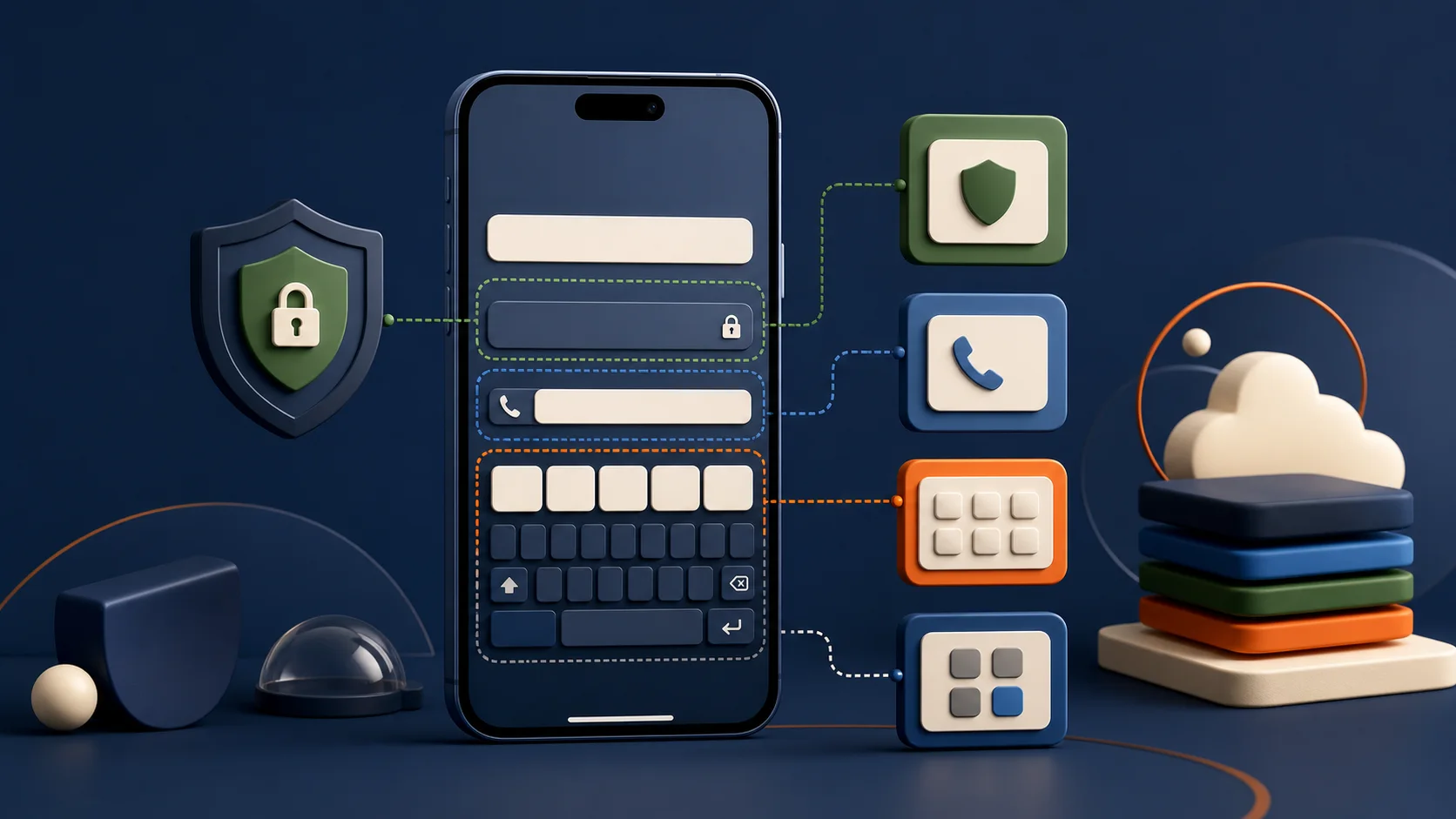
On Mac, text expansion can watch for a saved trigger and replace it in compatible text fields. On iPhone and iPad, an app can provide a custom keyboard that lets you choose saved content. Apple documents important exceptions: secure fields use the system keyboard, phone-pad fields use the system keyboard, and an app developer can block third-party keyboards entirely.
That is why a responsible product page should not promise that an iPhone keyboard works literally everywhere. A better expectation is broad availability in ordinary text-entry surfaces, with system and app-level exceptions. ExpandCaptain keeps the selection and send decision with the user on mobile.
The best first snippets come from real repetition
Do not begin by inventing a hundred shortcuts. Watch your work for two days and capture phrases you actually repeat. A small, frequently used library produces more value than a large library you cannot remember.
A strong first set usually includes contact details, scheduling language, one follow-up, one meeting template, two links, and a prompt or checklist you already trust. Add a snippet only after the repetition is visible.
- Customer support: order update, refund next step, troubleshooting checklist.
- Freelance work: proposal outline, status update, meeting notes.
- Development: code-review checklist, terminal command, reusable AI brief.
- Everyday life: addresses, pickup note, directions, household links.
What should never become an ordinary snippet
Do not store passwords, one-time codes, private keys, recovery phrases, or payment-card data in a general snippet library. A password manager is designed for secrets; a text expander is designed for reusable writing. Keeping those jobs separate reduces accidental disclosure.
For regulated or sensitive work, review the storage model, sync path, keyboard permissions, organizational policy, and destination before inserting content. Productivity does not override confidentiality, professional obligations, or the need to verify facts.
Common questions
01Is a text expander the same as autocorrect?+
They overlap, but intent differs. Autocorrect usually fixes typing automatically; a text expander intentionally retrieves saved text, templates, or variables using a shortcut or picker.
02Does a trigger have to start with a semicolon?+
No. In ExpandCaptain the full saved trigger can be ;reply, xreply, addr, or another distinctive string. The semicolon is a convention, not a requirement.
03Can a text expander insert today's date?+
Many can. In ExpandCaptain, {date} resolves when inserted, while date math such as {date:+7d} calculates a relative future date.
Sources
Product features and prices were checked on July 16, 2026. They can change. Comparisons describe published scope and are not claims of complete feature parity.
- Apple: Configuring a custom keyboard interface Official limits for secure fields, phone-pad fields, and apps that reject third-party keyboards.
- ExpandCaptain on the App Store Current platform, keyboard, sync, and product-feature description.